Handheld laser marker 50 W
A portable fibre marker with a handheld head. You bring it to the part, a red light shows the marking field, and the laser permanently marks stainless steel and aluminium. You control it from a multilingual touch panel, including English and Polish. We quote for what you want to mark.
Mark the part where it lies
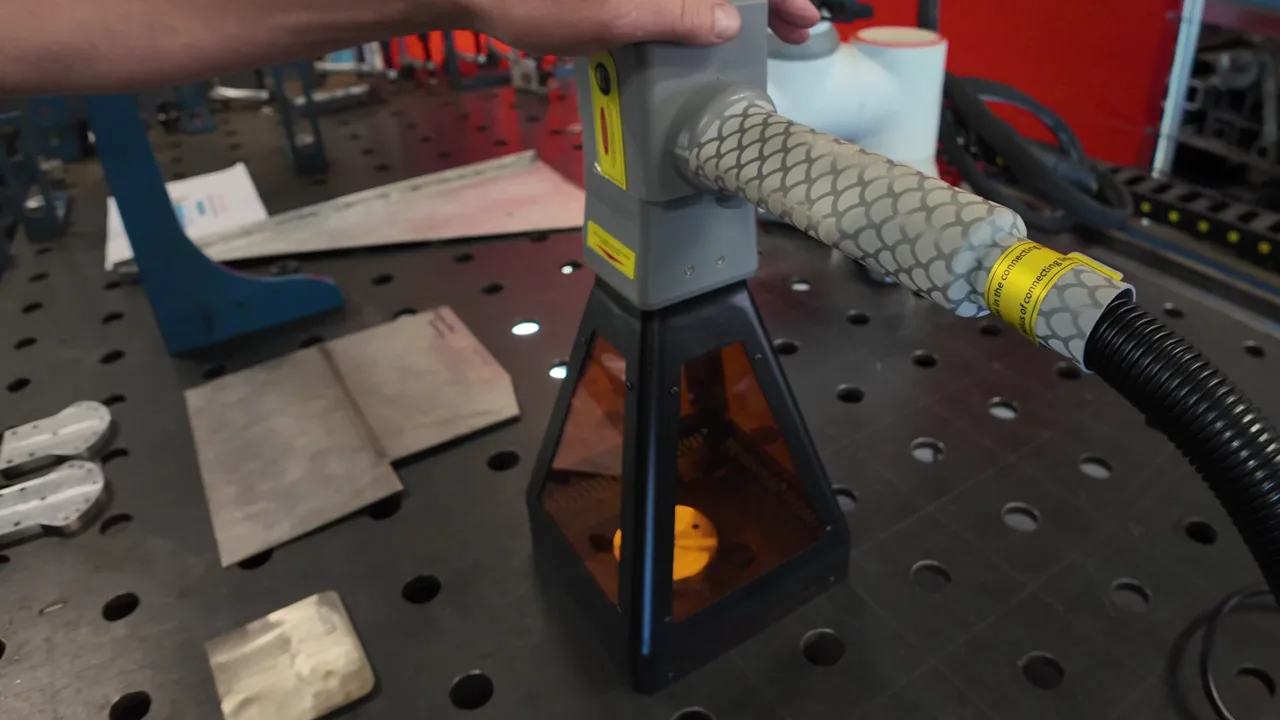
You place the head directly on the part: a frame, a beam or a finished structure. There is no need to move the part to a machine.
Large and heavy parts
The handheld head reaches wherever the part lies, so you can also mark beams, frames and complete structures.
Multilingual touch panel
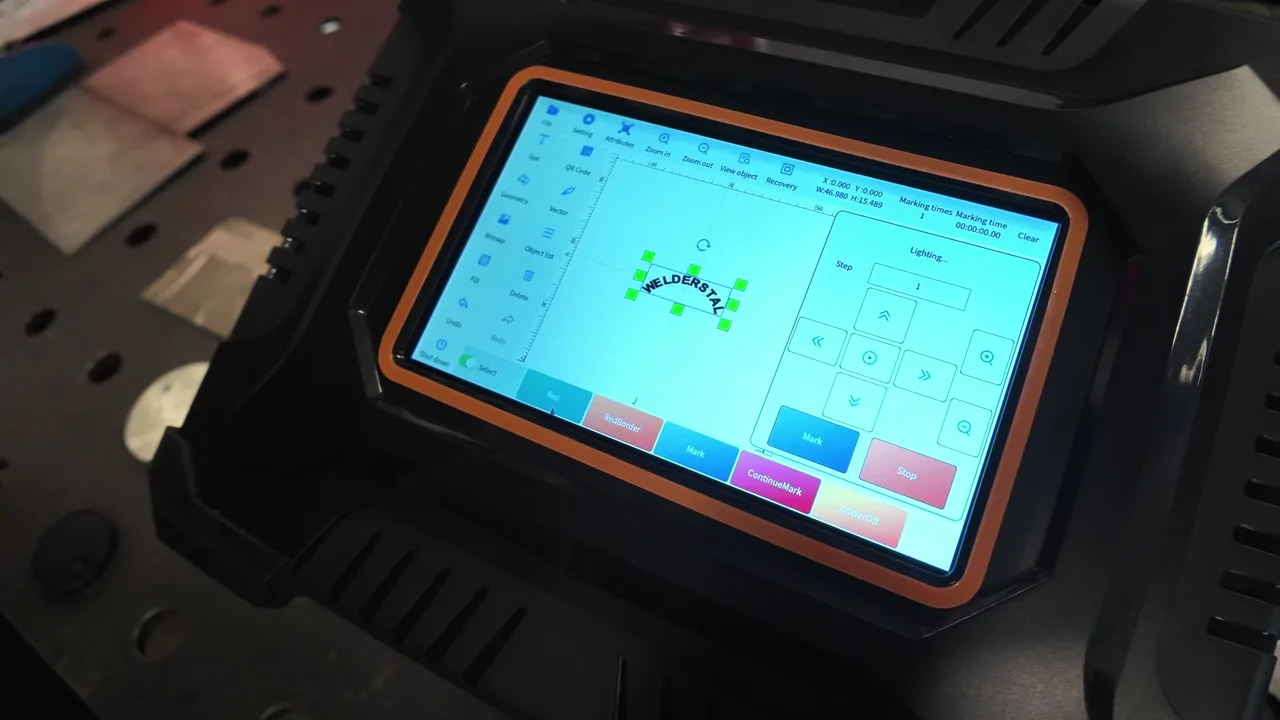
All control is on the built-in touch screen. Several languages to choose from, including English and Polish.
Field preview before starting
The RED function shows the marking area with red light. You position first, then mark.
Fibre 50 W
Head with an average power of 50 W. Durable, legible marking on stainless steel and aluminium.
Computer, LAN, USB
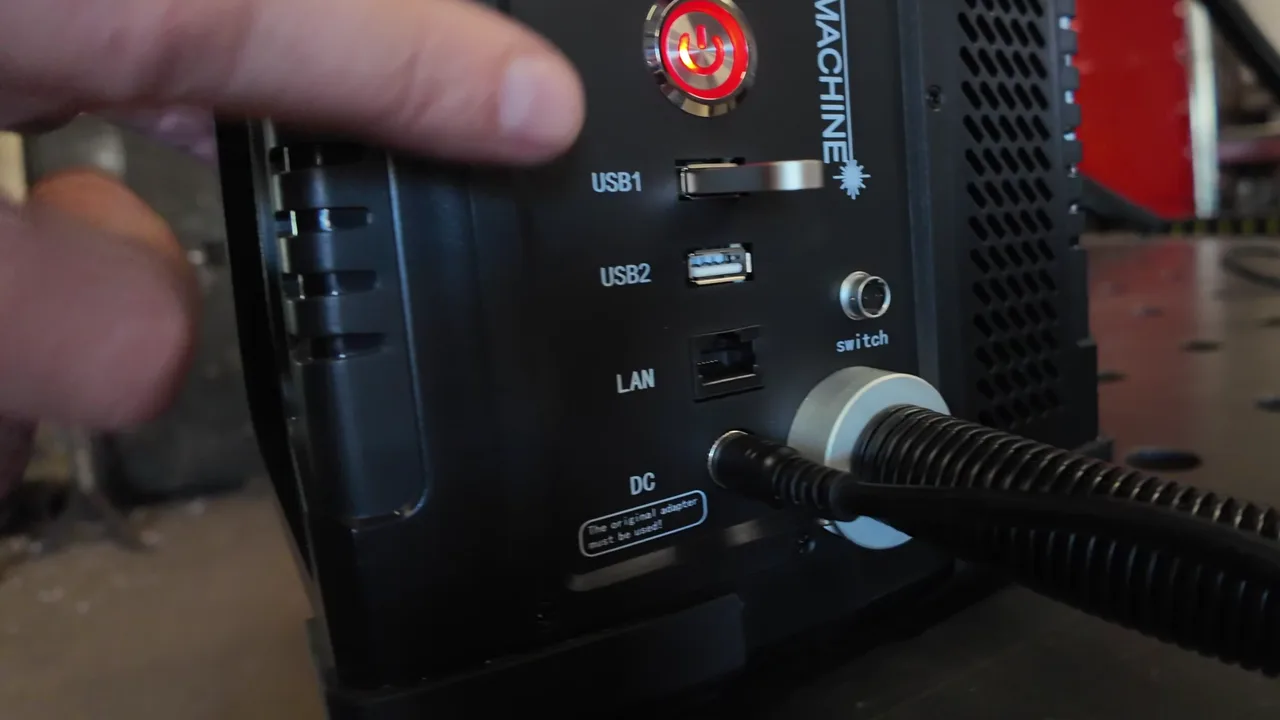
You can connect the unit to a computer or a LAN network, or load a design from a USB stick (two USB ports on the front).
Safety button
The emergency stop on the unit switches the laser off immediately.
How the handheld laser marker works
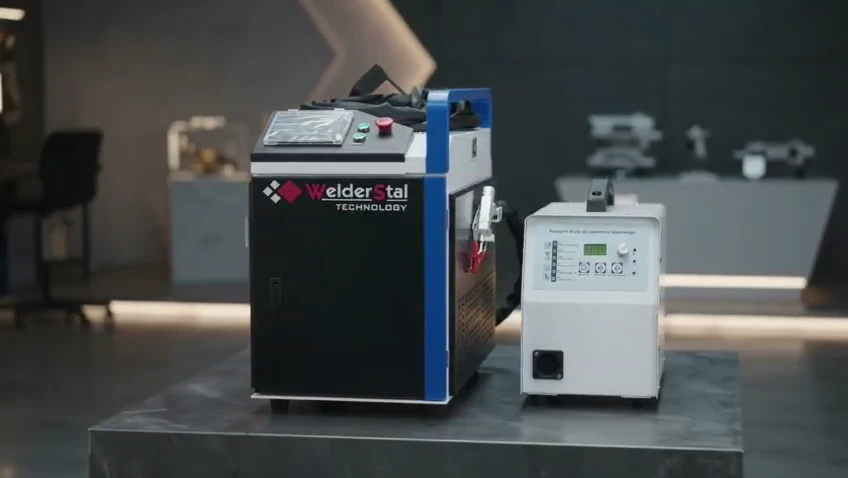
The kit consists of a laser source, a power supply and a handheld marking head with a shield. Four steps take you from loading the design to the finished marking.
Load the design
You prepare the text, logo or number on the control panel or on a computer. You transfer the file via LAN cable or a USB stick.
Bring the head to the part
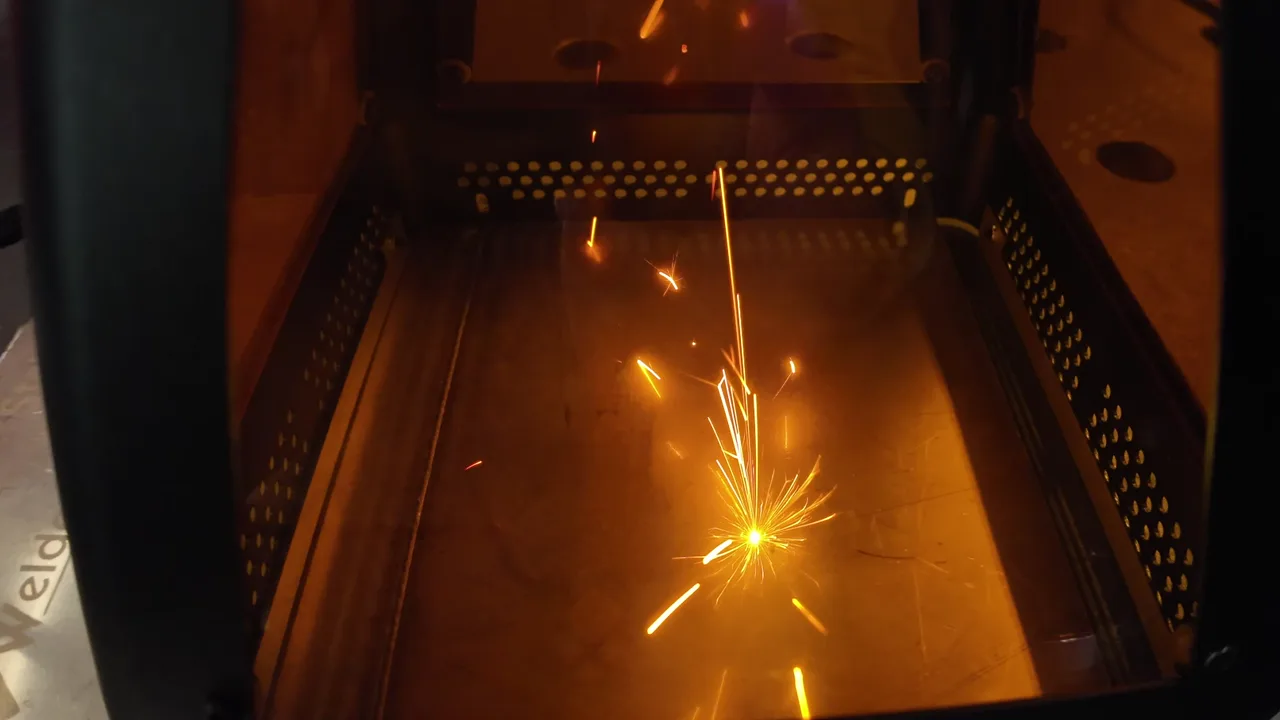
You place the handheld head with its shield against the part. There is no need to put the part into any chamber.
Check the field with the RED function
A red light shows where the marking will be made. You move the head until the field lands exactly on the marking spot.
Start marking
With the MARK button on the screen or the button on the head. You set the speed to suit the material.
Marking stainless steel and aluminium
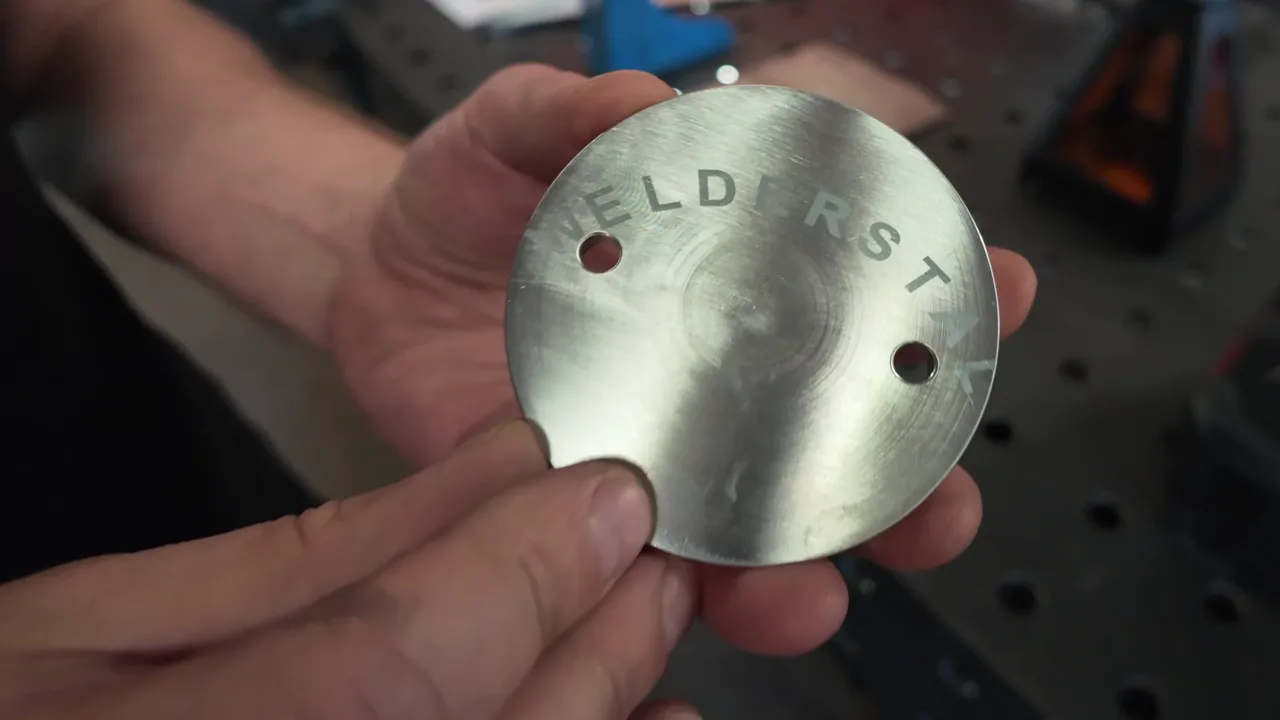
We made the same marking on three surfaces: glossy aluminium, matted aluminium and stainless steel. This is the result.
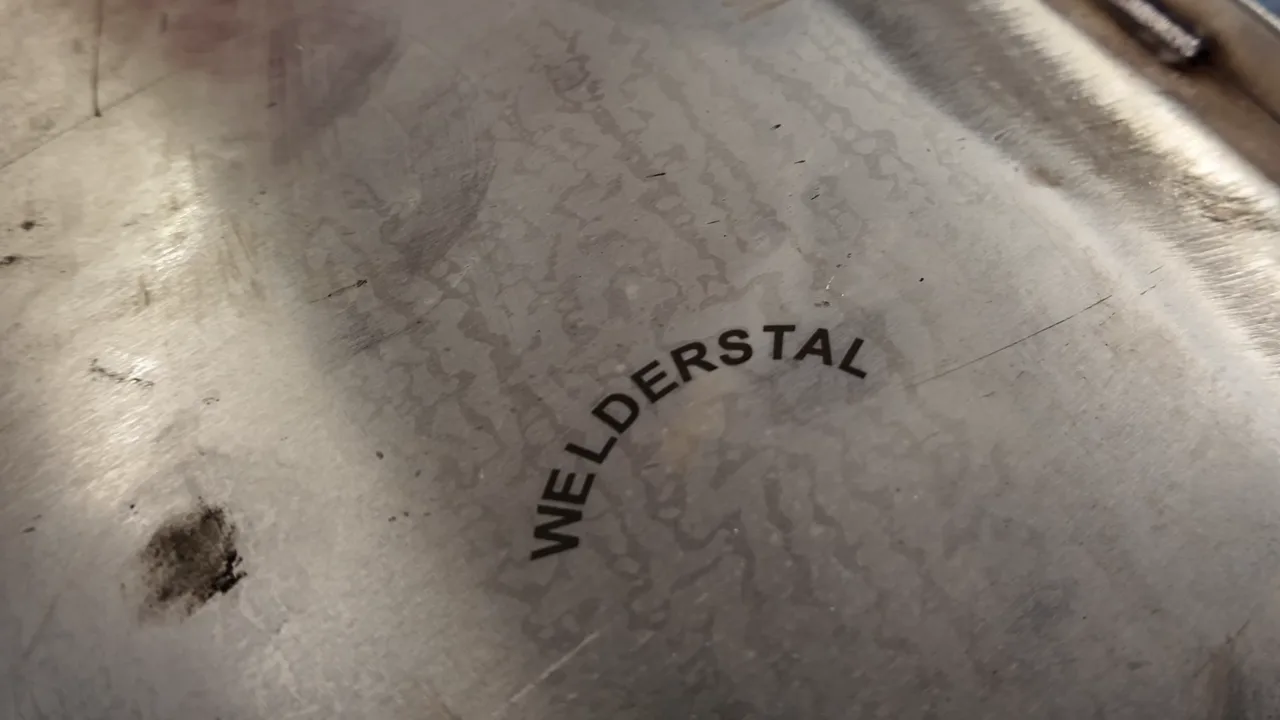
Stainless steel
The best result in our test: a clear, dark marking and the smoothest process.
Matted aluminium
A matt surface gives a clearer marking. With glossy aluminium it is worth matting the marking spot first.
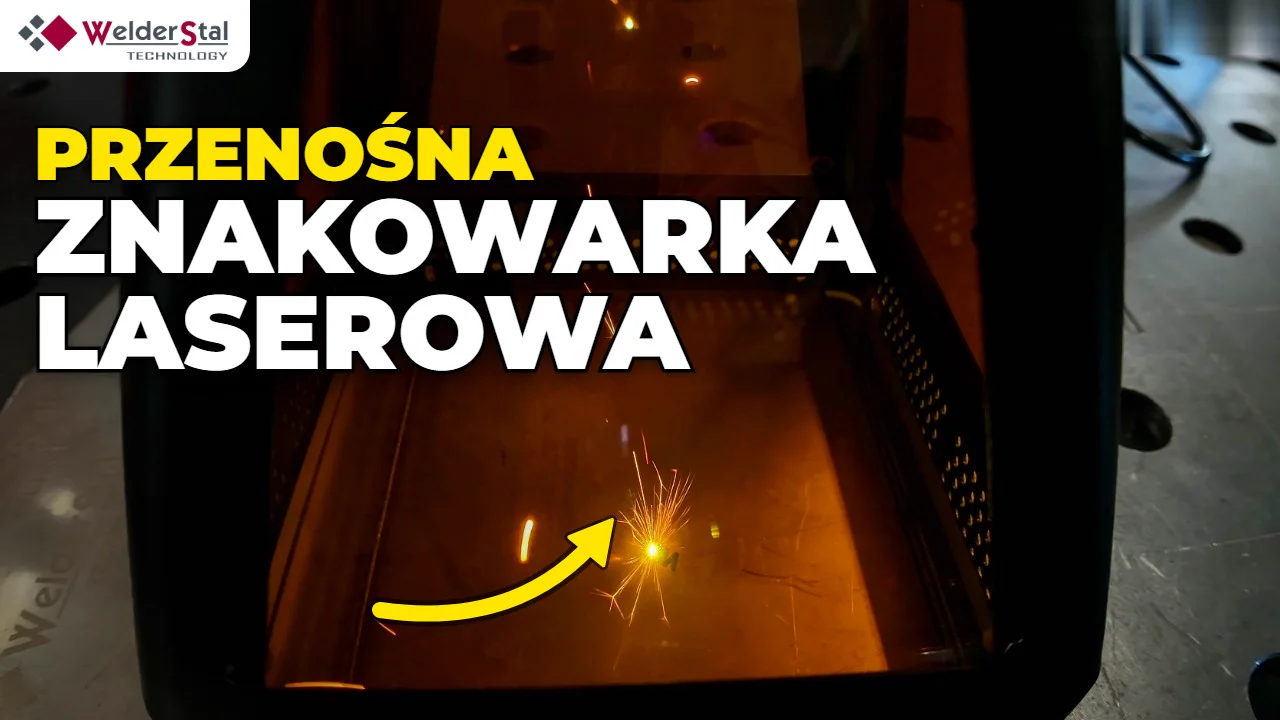
First start-up and test on steel and aluminium
What the marker consists of, how to start it, upload a file, set the field with the RED function and what the result looks like on three surfaces. The video is narrated in Polish.
Watch the full videoWhat you can mark in the welding shop and in production
Structural member numbers
Permanent marking of the part number or drawing position directly on the welded member.
Nameplates and product markings
Logo, company name, serial number or production date on a housing or frame.
Parts after welding
Marking the finished product at the cell, without moving it to another machine.
Tools and fixtures
Labelling tools, welding fixtures and tooling so they do not go missing on the shop floor.
Large and heavy parts
Beams, frames, tanks - you bring the head to the part instead of positioning the part under the laser.
Series and one-off parts
You recall the same design from the unit memory and repeat it on the next parts.
Marking welded structural members
Steel structure contractors often have to ensure identification of members during production - EN 1090-2 describes when members must be marked. A permanent laser marking made directly on the part will not rub off during transport and erection. You choose the marking method to suit the requirements of your execution class - more about the standard itself in the article EN 1090 certificate - CE marking for steel structures.
50 W laser marker - equipment and functions
| Parameter | Value |
|---|---|
| Device type | Handheld (portable) laser marker |
| Average head power | 50 W |
| Design | Laser source, power supply, handheld marking head with shield |
| Control | Built-in touch panel, several languages including English and Polish |
| Connections | Computer, LAN, 2 × USB (external memory) |
| Marking field preview | RED function (red light) |
| Starting the marking | MARK button on the screen or button on the head |
| Safety | Emergency stop (safety button) |
| Tested materials | Stainless steel, aluminium (glossy and matted) |
We will send the full specification (marking field, dimensions, power supply, file formats) together with the quote.
Fibre, CO2 or UV - which laser for what
| Laser type | Materials | When to choose |
|---|---|---|
| Fibre laser (this marker) | Metals: steel, stainless steel, aluminium | Permanent marking of metal parts, tools and structures |
| CO2 laser | Wood, leather, paper, some plastics | Non-metallic materials |
| UV laser | Glass and delicate plastics | Very fine, "cold" marking |
Working safely with the laser
- •The safety button on the unit switches the laser off immediately.
- •The head has a shield that covers the marking area.
- •When working with the laser, wear safety glasses matched to the laser wavelength.
- •We go through the working rules and operation of the unit at handover.
Frequently asked questions about the handheld laser marker
Does a handheld laser marker mark stainless steel?
Will the laser marker mark aluminium?
How do I set the marking position?
How is marking started?
Which interface languages are available?
How do I transfer a text or logo design to the marker?
Can I mark a large welded structural member?
Does a fibre laser mark wood, glass or plastic?
How much does a 50 W handheld laser marker cost?
Can I see the marker in action?
Related products and services
Laser welders
Handheld fibre laser welders 1.5–3 kW for steel, stainless steel and aluminium.
Robotic laser welding
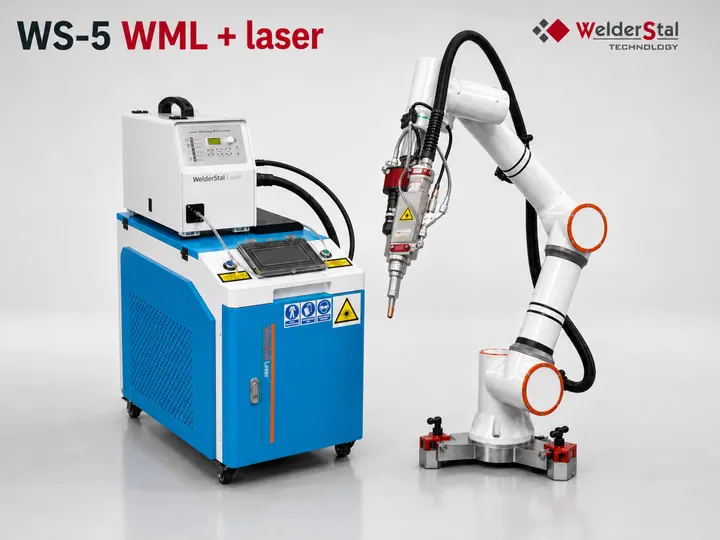
A cobot cell for repeatable laser welding.
EN 1090 - steel structures
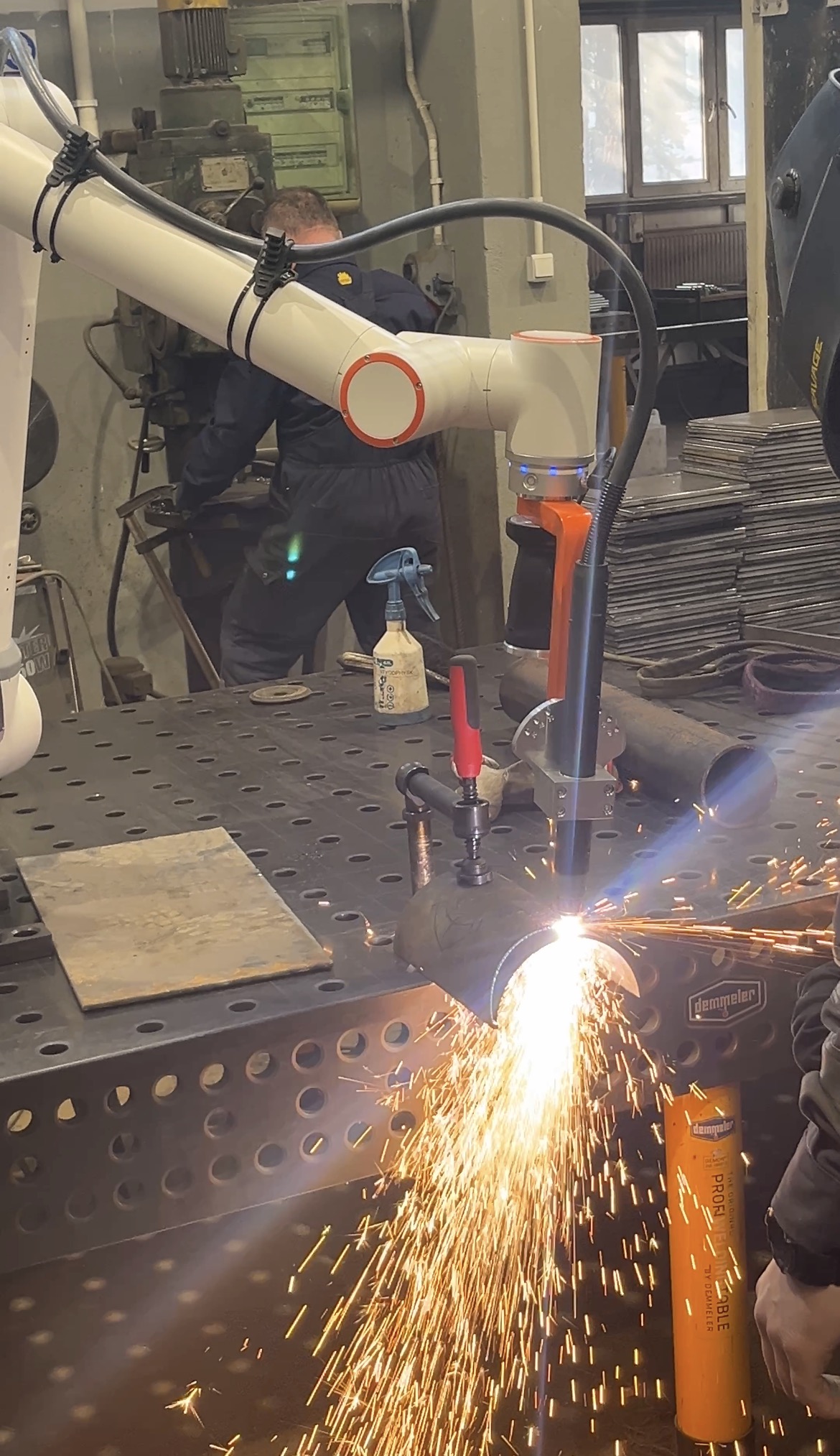
Requirements for structural steelwork contractors, including identification of members.
Laser accessories
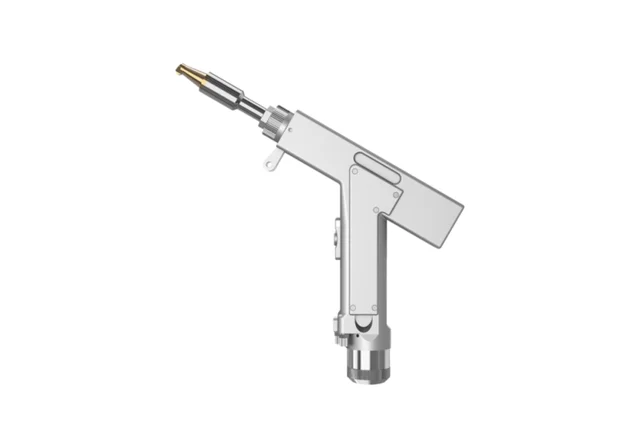
Safety glasses, parts and accessories for laser equipment.
Want to laser-mark your parts?
Tell us what you want to mark and on which material. We will prepare a quote for the 50 W handheld laser marker.